
CDNLite Documentation
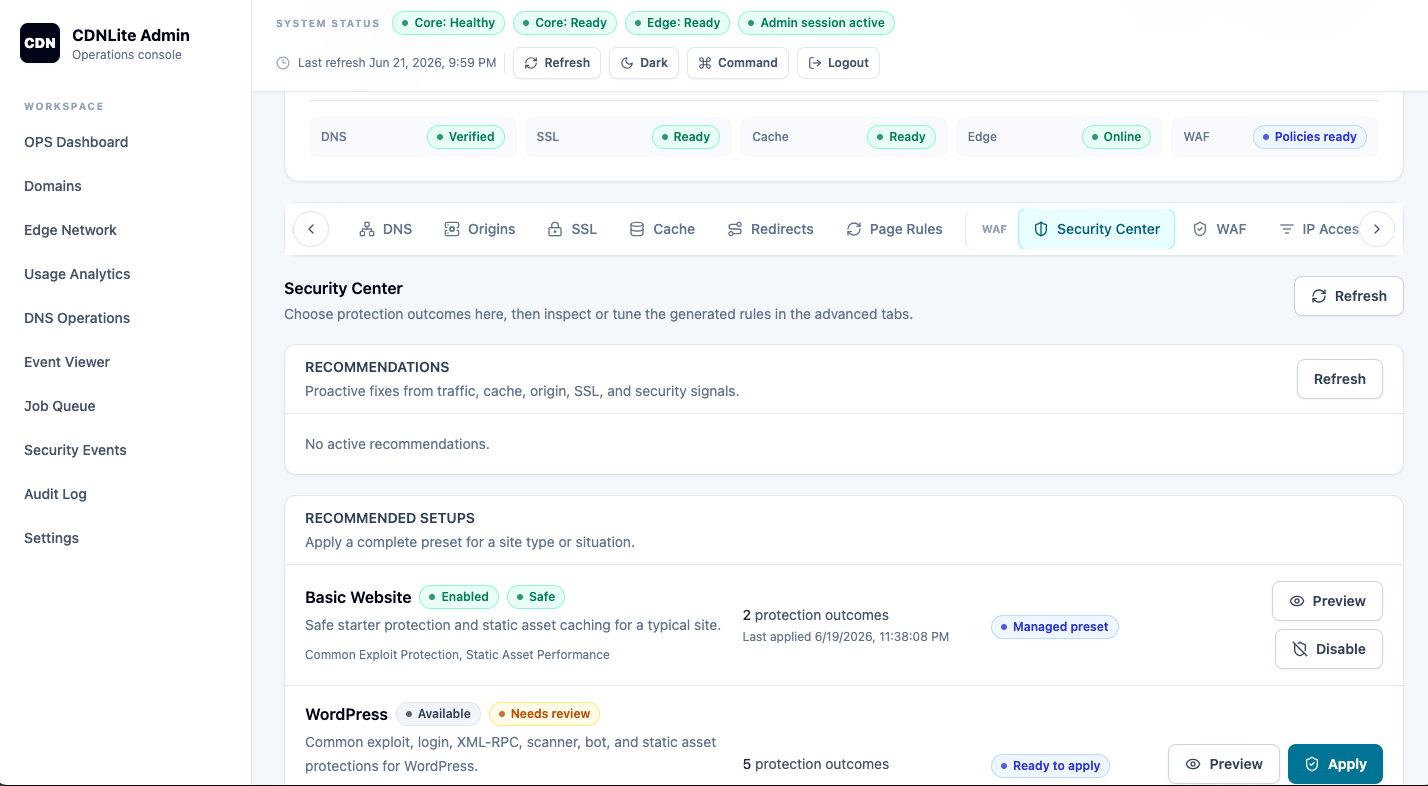
CDNLite is a self-hosted private CDN control plane and edge platform for companies, hosting providers, internal infrastructure teams, labs, and controlled production deployments. It combines a PHP/PostgreSQL core, Vue dashboard, OpenResty/Lua edge proxy, signed edge agent, PowerDNS/DNSGeo, cache rules, WAF rules, rate limits, SSL workflows, analytics, and audit logs.
New User Path
Start here when you want to understand the product and run your first private CDN workflow.
- What is CDNLite?
- CDN in a Minute
- Quickstart
- First domain, origin, cache rule, WAF rule, SSL, and edge examples
Operator Path
Use these guides when you operate CDNLite in a lab, private network, or controlled production experiment.
- Deployment
- Production Hardening
- DNS and Nameservers
- SSL and ACME
- Edge Nodes
- Backup and Restore
- Upgrade and Rollback
- Troubleshooting
- Runbooks
Developer Path
Use these pages when you are changing the control plane, dashboard, edge runtime, or API.
- Architecture
- API Reference
- OpenAPI YAML
- Local Development
- Testing
- Extending the Edge
- Dashboard Development
- Control Plane Development
Enterprise And Private Deployment Path
These pages are written for teams evaluating CDNLite as a private CDN foundation.
- Private CDN Use Cases
- Security Model
- Deployment Topologies
- Network Segmentation
- External Authentication
- Secret Rotation
- Current Enterprise Limitations
- Enterprise Roadmap
What CDNLite Includes Today
- CDN control plane for domains, origins, DNS records, cache rules, purges, SSL, security rules, and operations.
- OpenResty CDN edge proxy with signed configuration sync through the edge agent.
- PowerDNS CDN publishing with DNSGeo support for private edge routing.
- WAF rules, rate limits, redirects, response headers, security events, and audit logs.
- Docker Compose deployment for the normal local topology and split deployment documentation.
Current Limits
CDNLite does not yet include native enterprise RBAC, OIDC/SAML SSO, full multi-tenant isolation, billing, signed release artifacts, Helm packaging, or HA control plane automation. Use external controls and review Enterprise Readiness before production use.
Next Steps
- Run Quickstart.
- Read Private CDN for positioning and topologies.
- Review Production Hardening before shared deployment.
- Check the Roadmap for planned enterprise features.